
Trivia Tribe
Player
Join a quiz.
Play. Learn. Win.
The Trivia Tribe Player app is how your teams answer questions, see quiz related content and enjoy the rivalry. No account needed — just enter the quiz ID from your host.
The Trivia Tribe Player app is how your teams answer questions, see quiz related content and enjoy the rivalry. No account needed — just enter the quiz ID from your host.
Features
Download the app and open — no account, no sign-up, no friction.
Enter the quiz ID shared by your host and you are in the game immediately.
Wait for the host’s big reveal of the updated standings after every round. The rivalry is real.
The app keeps the game honest with optional monitoring and honesty pledges so everyone plays on equal terms.
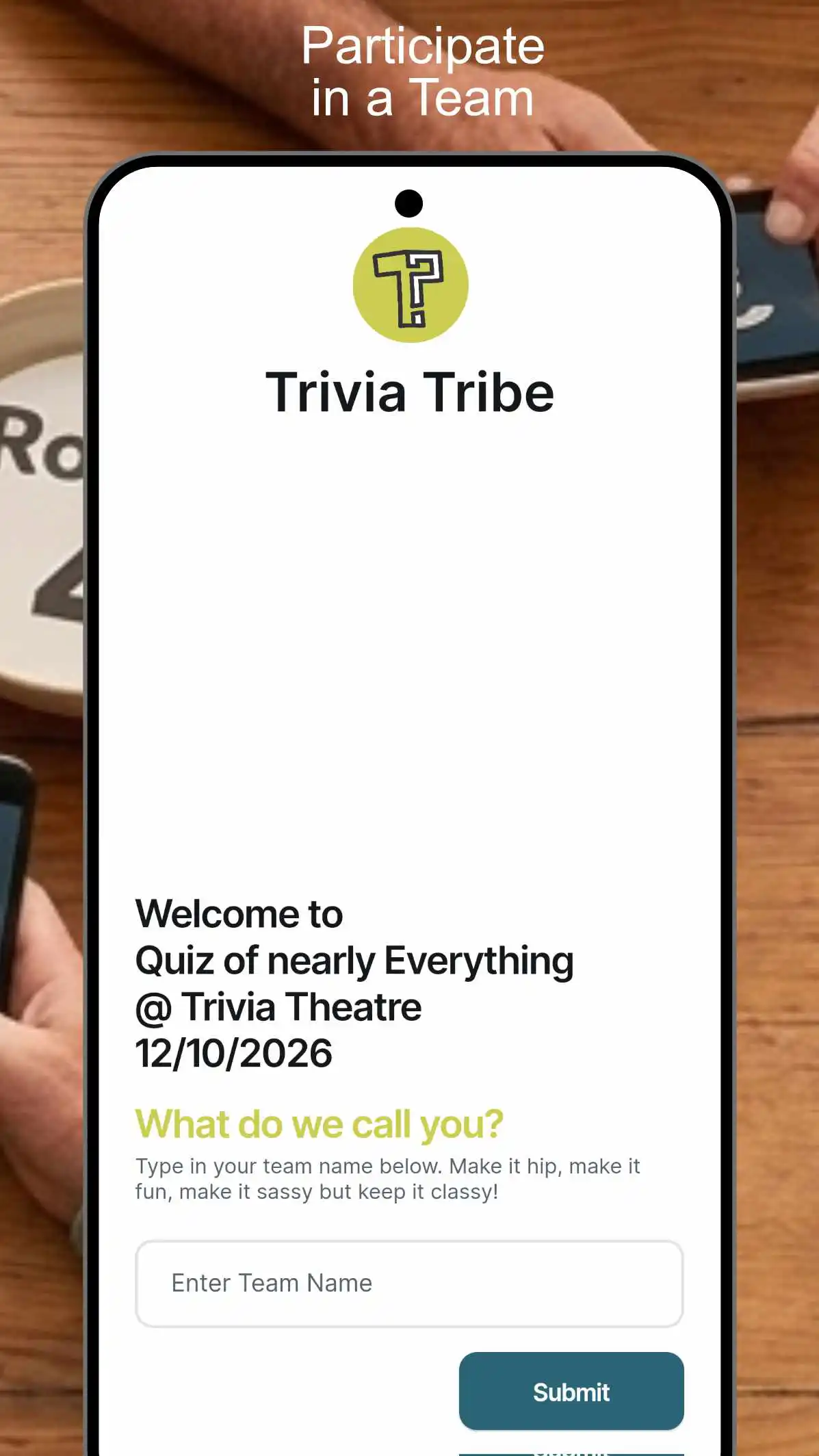
Set your team name and compete as a group. One phone per team is all you need.
Phone or tablet — works for all screen sizes and connection speeds.
Questions with a local flavour and global news to keep things fresh and relevant.
Screenshots
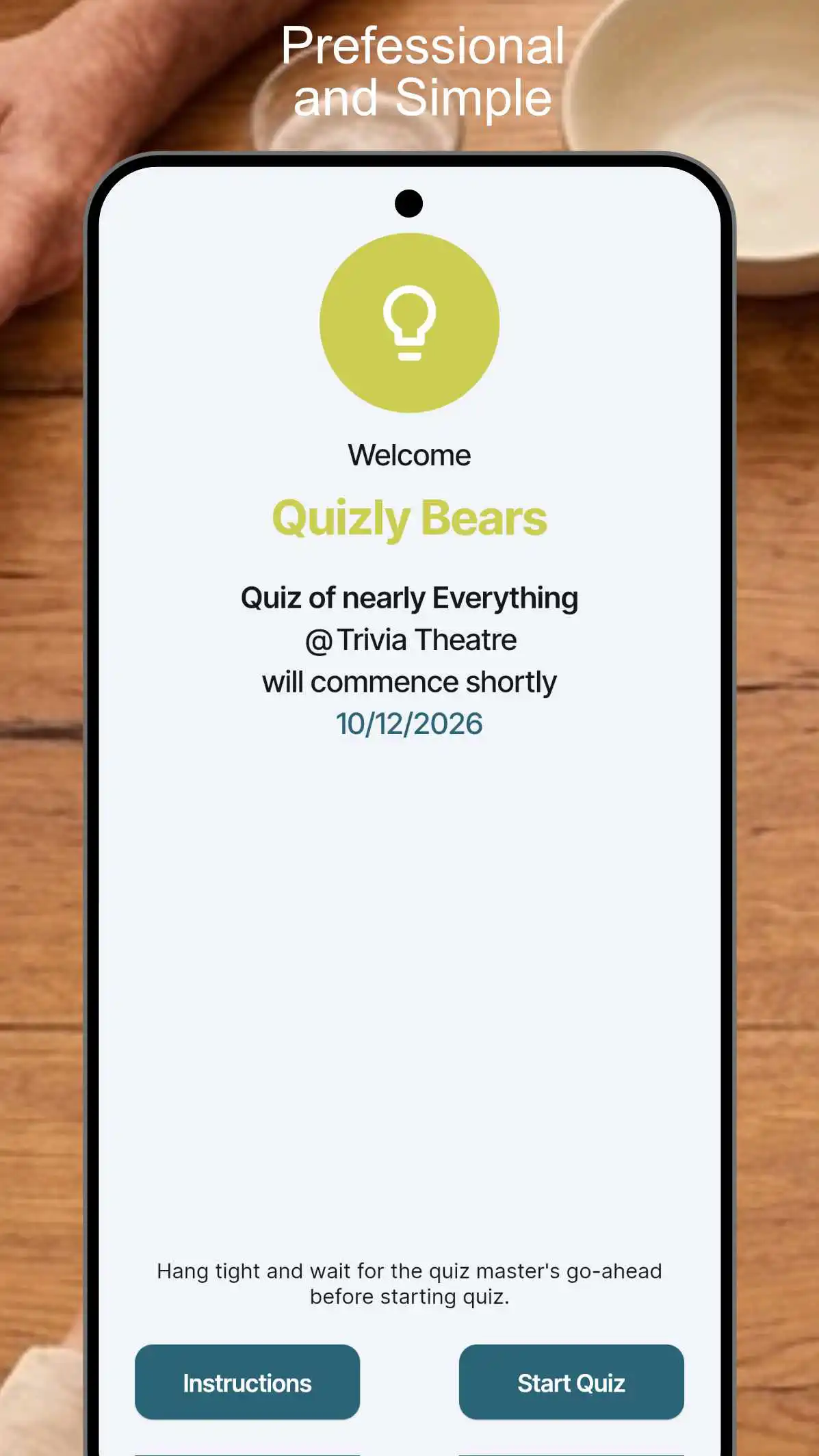
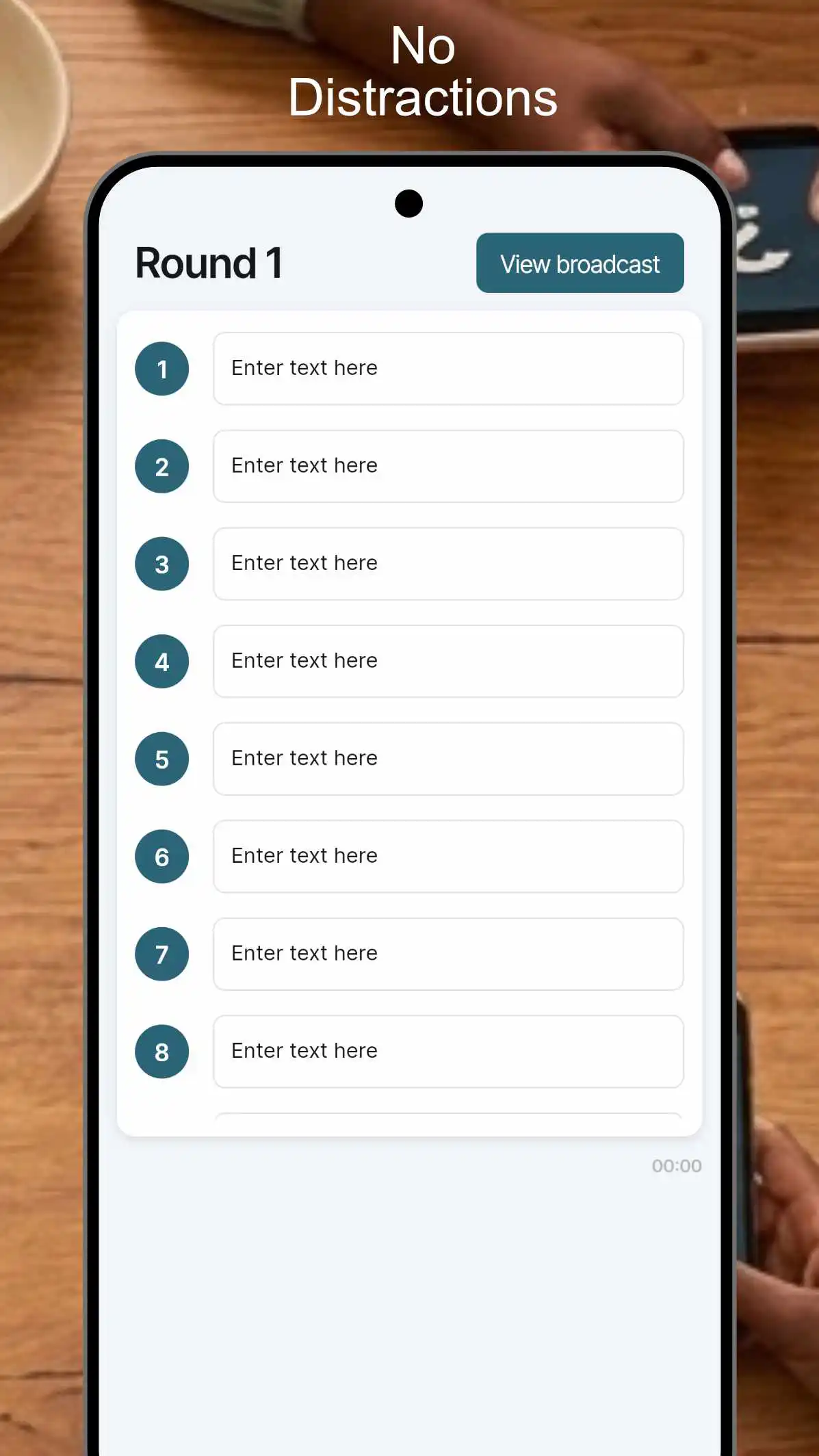
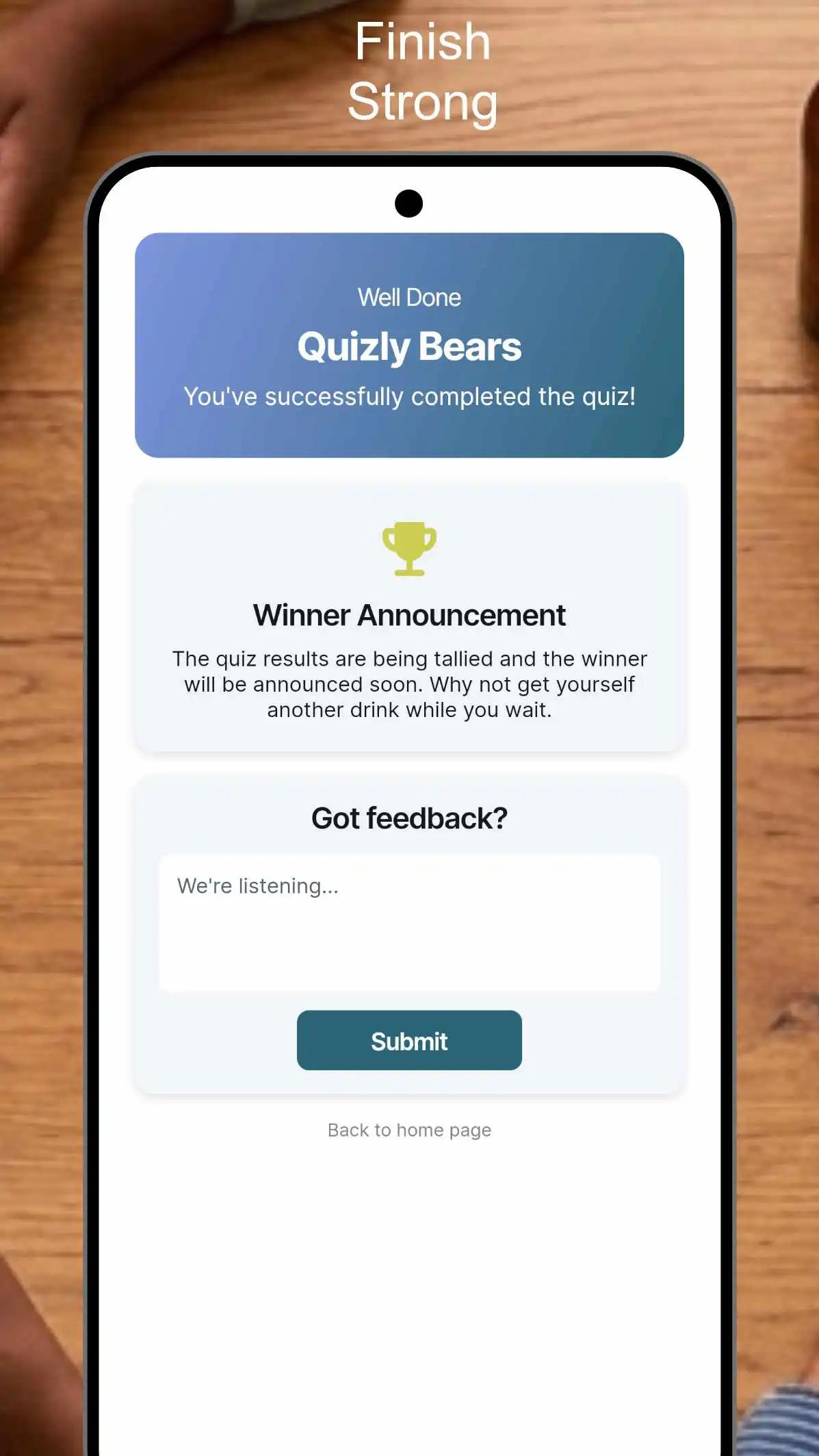
Big text, clear answers, instant feedback. Designed for a noisy pub environment.
FAQ
General Questions
What is Trivia Tribe? Trivia Tribe is a companion app for live quiz events. Instead of using paper and pens, you use your phone to submit answers in real-time as the host guides you through the game.
How do I join a game? Simply open the app and enter the unique Quiz ID provided by your host on the home screen. Once entered, you’ll be placed in the lobby to await instructions.
Is the app free to use? Yes, the app is free for players to download and join games.
Does the app use a lot of mobile data? No. Trivia Tribe is designed to be lightweight and efficient, consuming minimal data during a live session.
Gameplay & Features
How do I see images for the questions? When a question contains an image, the host will trigger a broadcast. Tap the Broadcast Button on your screen to view the image associated with the current question.
What happens if I accidentally close the app during a round? Don't panic! You can reopen the app and rejoin the session immediately. You will continue from the current point in the quiz.
Note: Any answers you were currently typing for that specific active round will not be saved; you will need to re-enter them before the round ends.
How are answers submitted? Once you have completed your answers for the round, tap the Submit button. After submitting, please wait for the host to move the game forward to the next stage.
Can I change my answer after hitting submit? No. Once your answers are submitted for a round, they are sent to the host and cannot be edited.
Fair Play & Troubleshooting
Can I use other apps while the quiz is active? The app may have Inactivity Monitoring or Background Monitoring enabled. If you navigate away from Trivia Tribe to use a browser or another app, the host may be notified. This is to ensure a fair playing field for everyone.
The "Submit" button isn't working. What should I do? Ensure you have a stable internet connection. If the issue persists, try toggling your Wi-Fi or mobile data. If you have to restart the app, you can rejoin using the same Quiz ID.
Why am I stuck on a "Waiting for Host" screen? Trivia Tribe is a host-driven experience. This screen means the host has not yet started the next round or is currently tallying scores. Hang tight!
Do I need to create an account? No account is required to play. You only need the app and a valid Quiz ID from your host.
Technical Requirements
How much storage space do I need? The app is very small in size and requires minimal storage space on your device.
Does the app need my location? No, Trivia Tribe does not require location services to function. It only requires an active internet connection.
Trivia Tribe Player — legal documents